iPhone · Photo & video
Too big to send?
Minibyte makes photos and videos small enough to attach. Your photos keep the date and place they were taken — most compressors throw both away.
- No account
- No upload
- No analytics
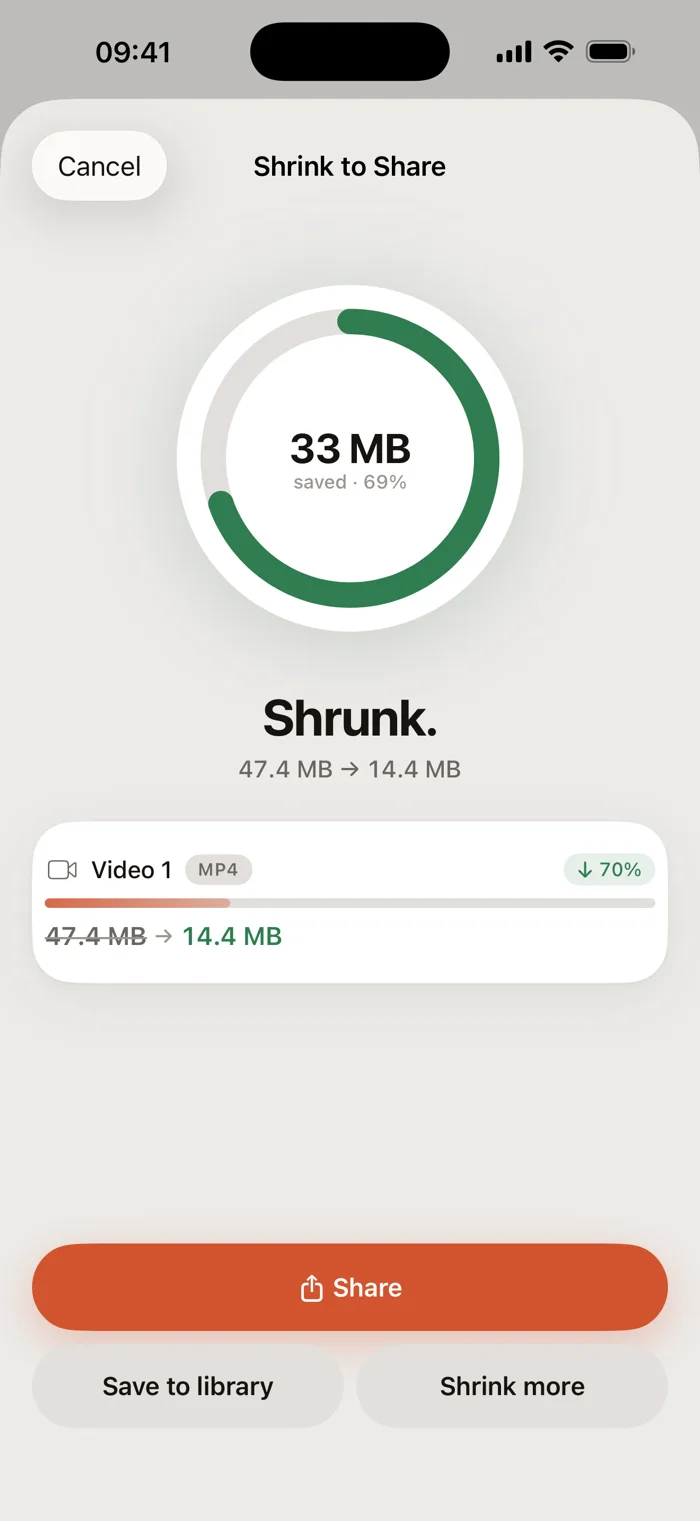
Most mail stops at 25 MB
Inside the app
Six screens, nothing staged.

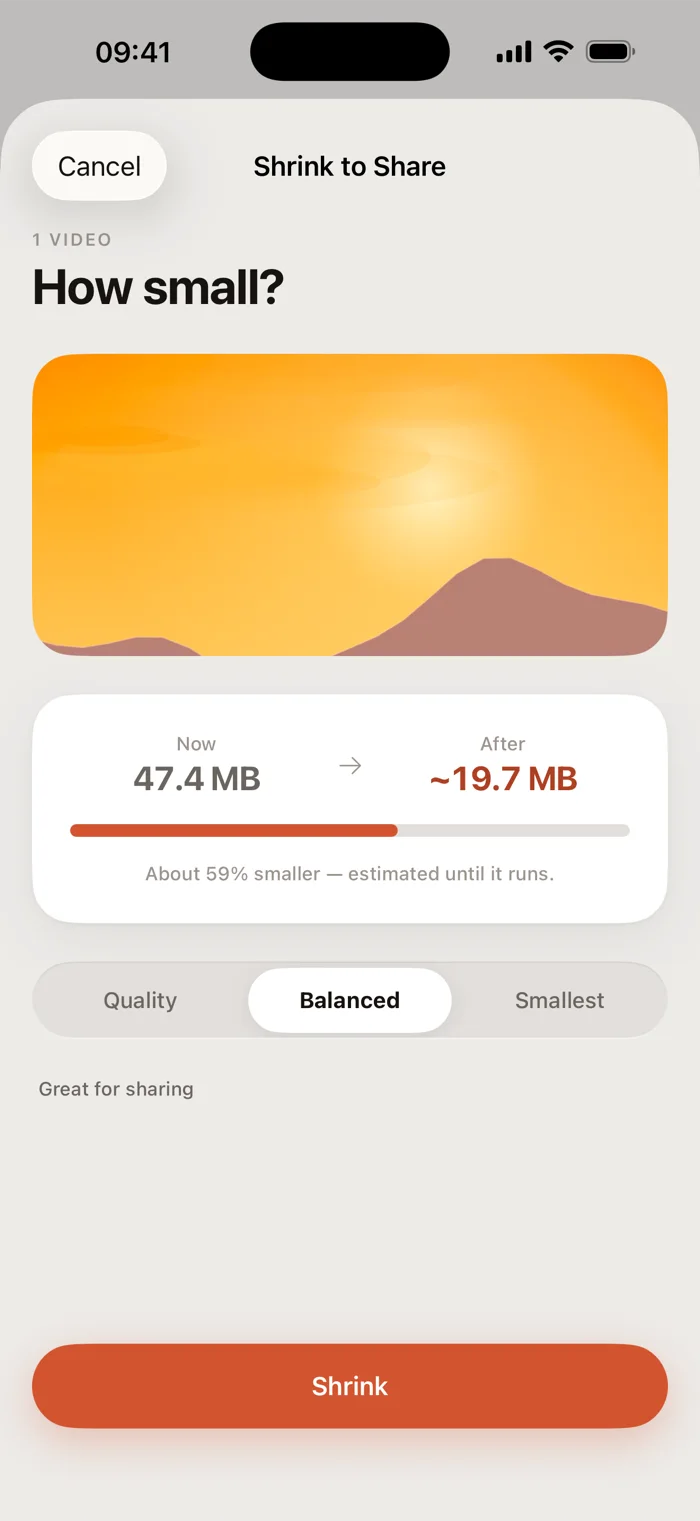
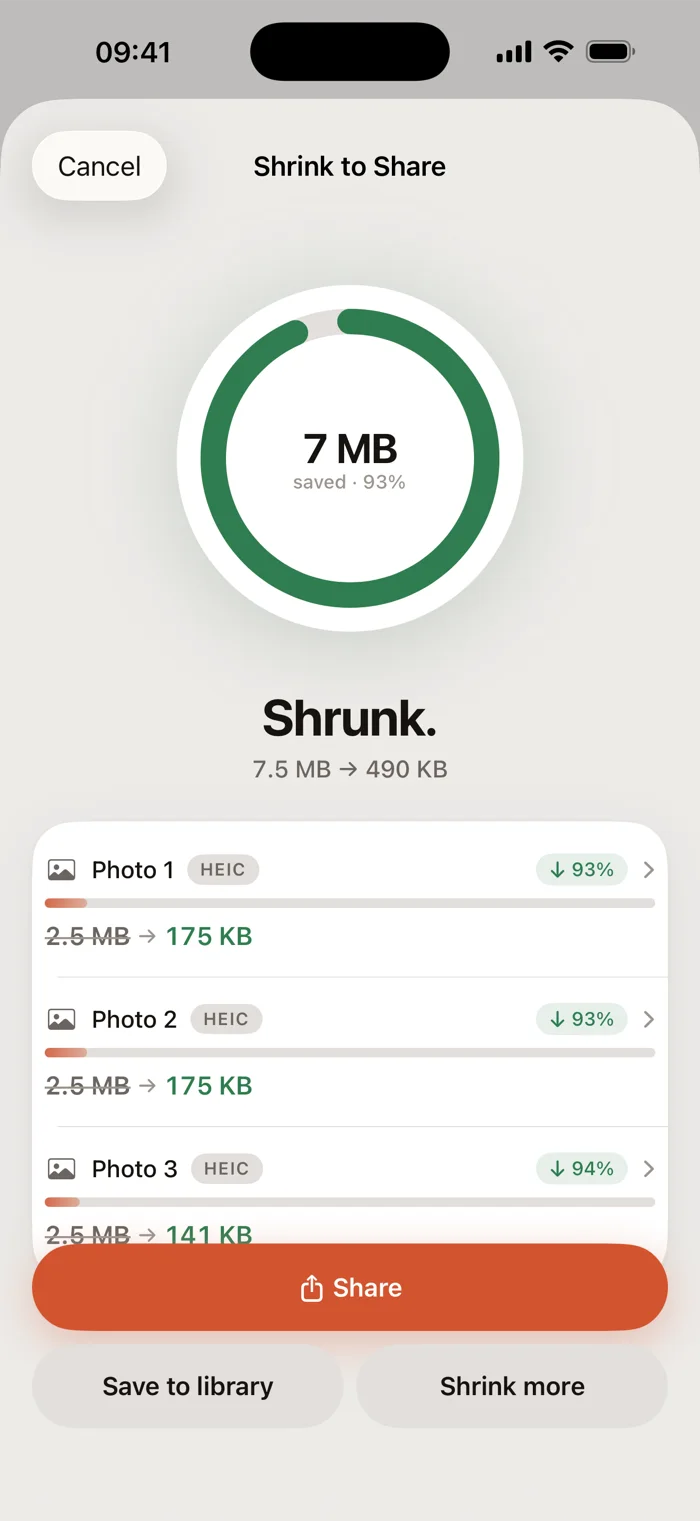
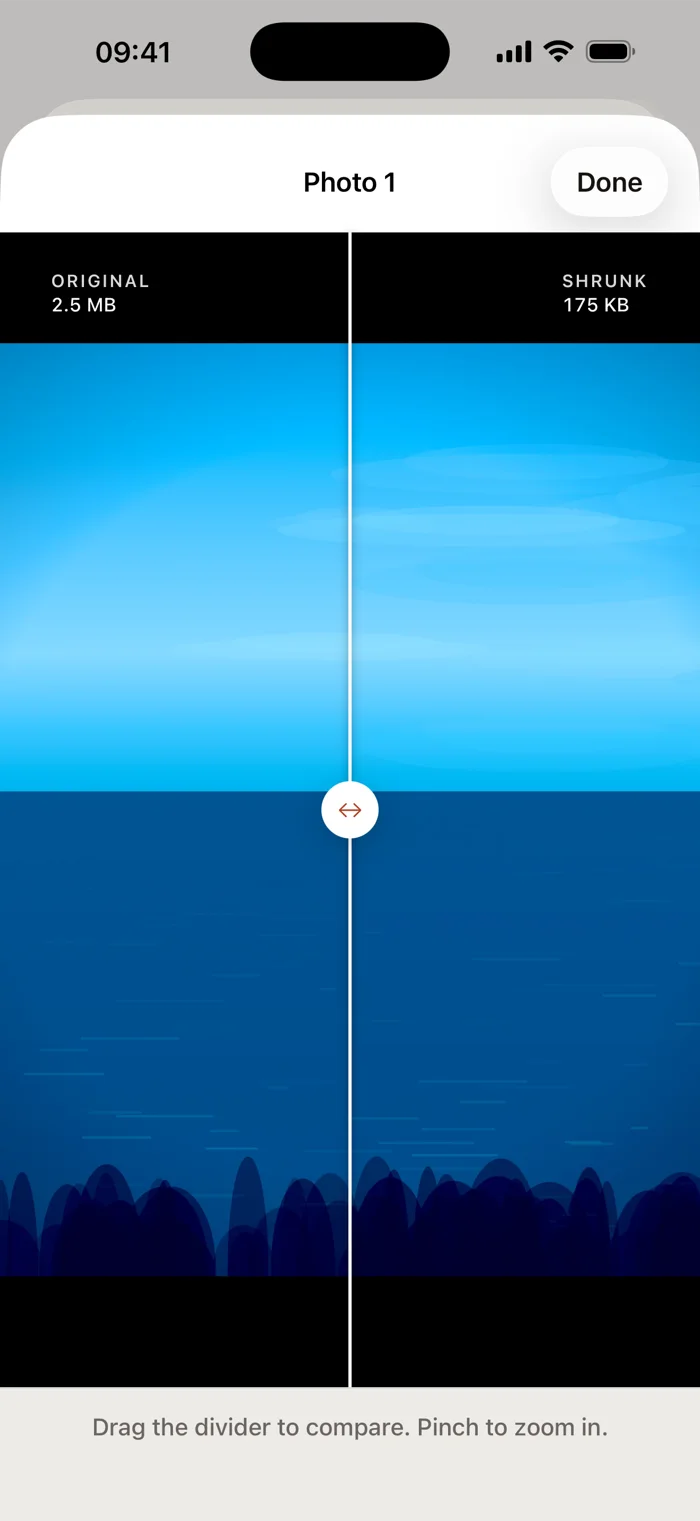

Your own files will differ.
Metadata
Your photos keep their dates.
Most compressors hand back a file stamped with today. Minibyte carries the original metadata across, so a photo you shrank in August is still a photo from June.
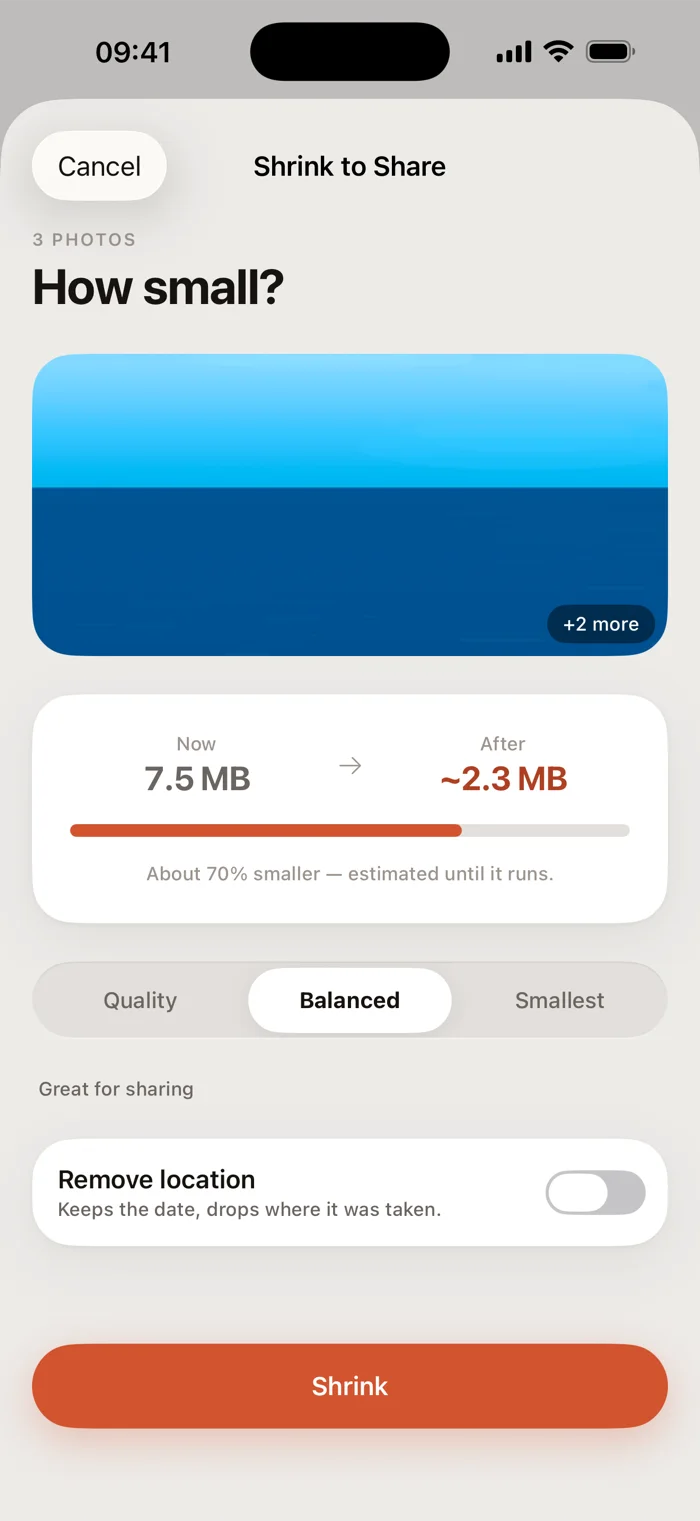
Prefer to drop the location? One switch, and the capture date stays.
What it does
Six tools, one photo library.
Each one does a single job, and tells you the cost before it runs.
Shrink to share
Pick photos or videos, choose how small, send. Or shrink straight from the Photos share sheet without opening the app.
Convert format
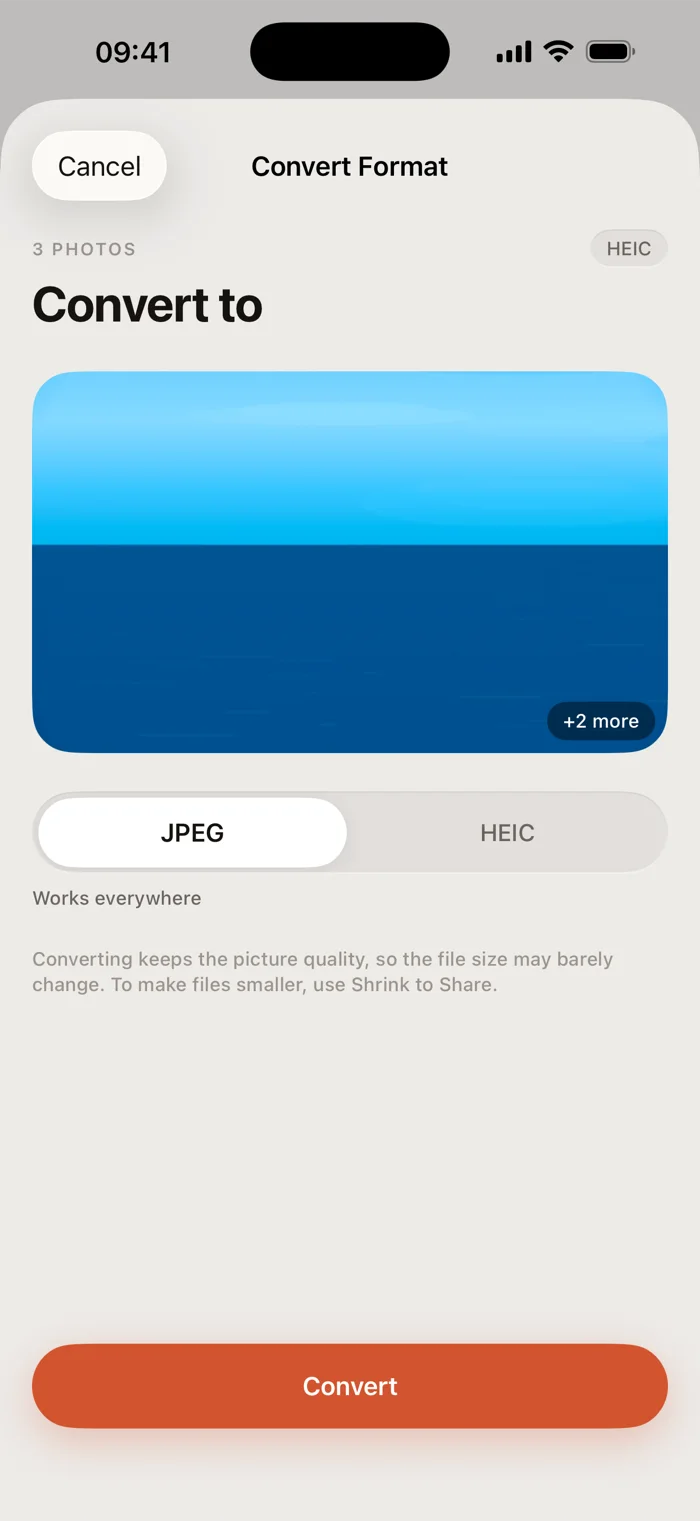
HEIC to JPEG when the other app refuses to open it, and back again. MOV to MP4 for video.
Free up space
Scan for what's actually big in your library, then take it category by category or file by file.
Find duplicates
Exact copies, and near-copies from the same few minutes. Compared on your iPhone, never uploaded to be compared elsewhere.
Screenshots
Receipts, maps and confirmations, grouped by the month you took them, cleared in one pass.
Sort by hand
Swipe through the photos no scan can judge. Sorting is never counted against a limit.
Safety
It never deletes what it hasn't replaced.
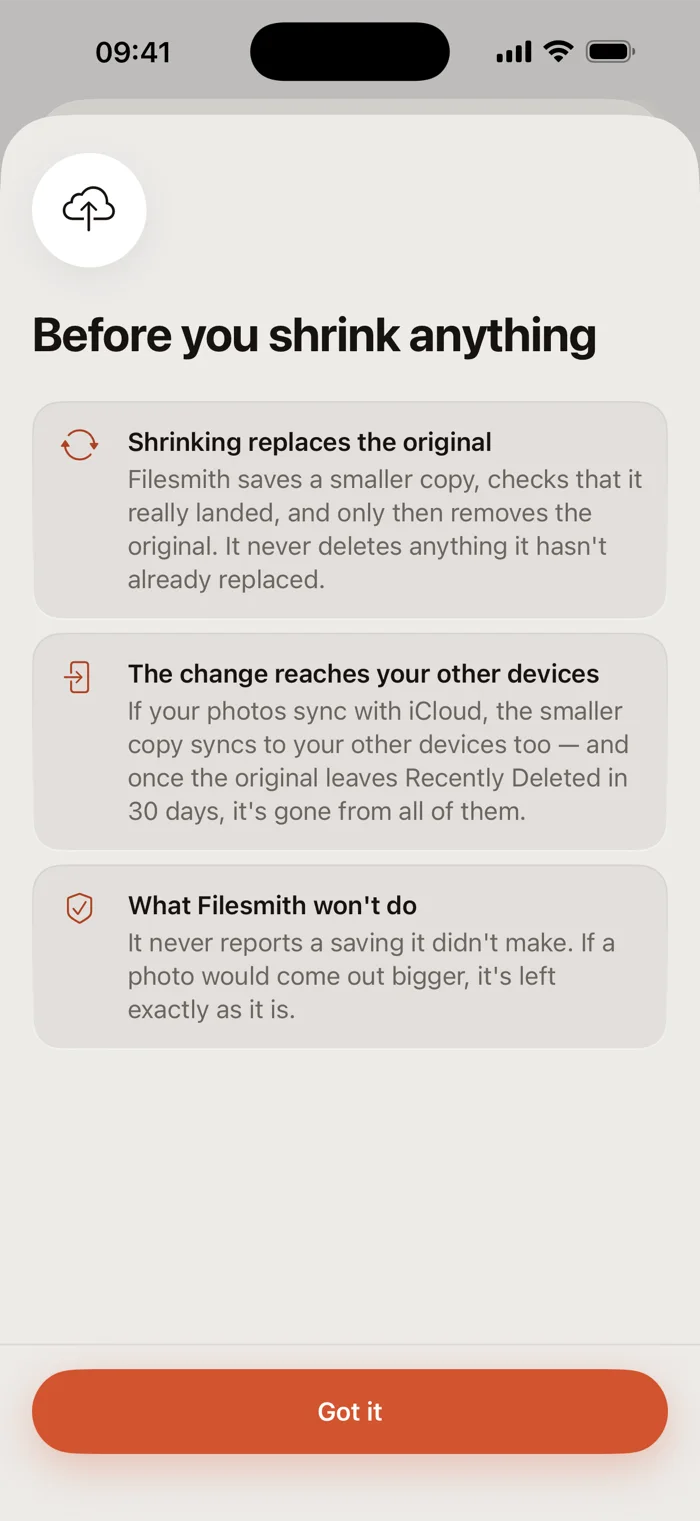
- An original goes only after the smaller copy is confirmed saved. A failure or a skip leaves it alone.
- Every deletion goes through iOS's own prompt, and stays in Recently Deleted for 30 days.
- When a re-encode comes out larger — it happens with small files — the original stays and the app says so. It won't report a saving it didn't make.
Privacy
Nothing leaves your iPhone.
Minibyte makes no network requests at all — there is no networking code in the app, no third-party SDKs and no advertising. Compression runs through Apple's own frameworks on your device.
Pricing
One payment. No subscription.
No purchase, no account
- Scanning your library, and reviewing every finding
- Previews, the before-and-after comparison, your full history
- Sorting by hand, however long you keep swiping
- Your first 3 shrinks, 3 conversions and 5 cleanups — lifetime counts, not daily ones
Unlimited Compress & Convert
- Removes those limits
- Unlocks the share extension, so a shrink starts from Photos or Files
- Enables near-duplicate cleanup
- Carries across your devices on the same Apple Account
The price is shown in the App Store, in your own currency.